




When you see Microsoft 365, you think of Microsoft Office applications like Outlook and PowerPoint. But those applications are only a small fraction of what Microsoft 365 offers.
Microsoft 365 is a platform with all the tools your business needs (and more) for productivity, security, and collaboration. From workflow automation to a customized workspace, Microsoft 365 offers a comprehensive selection of features.
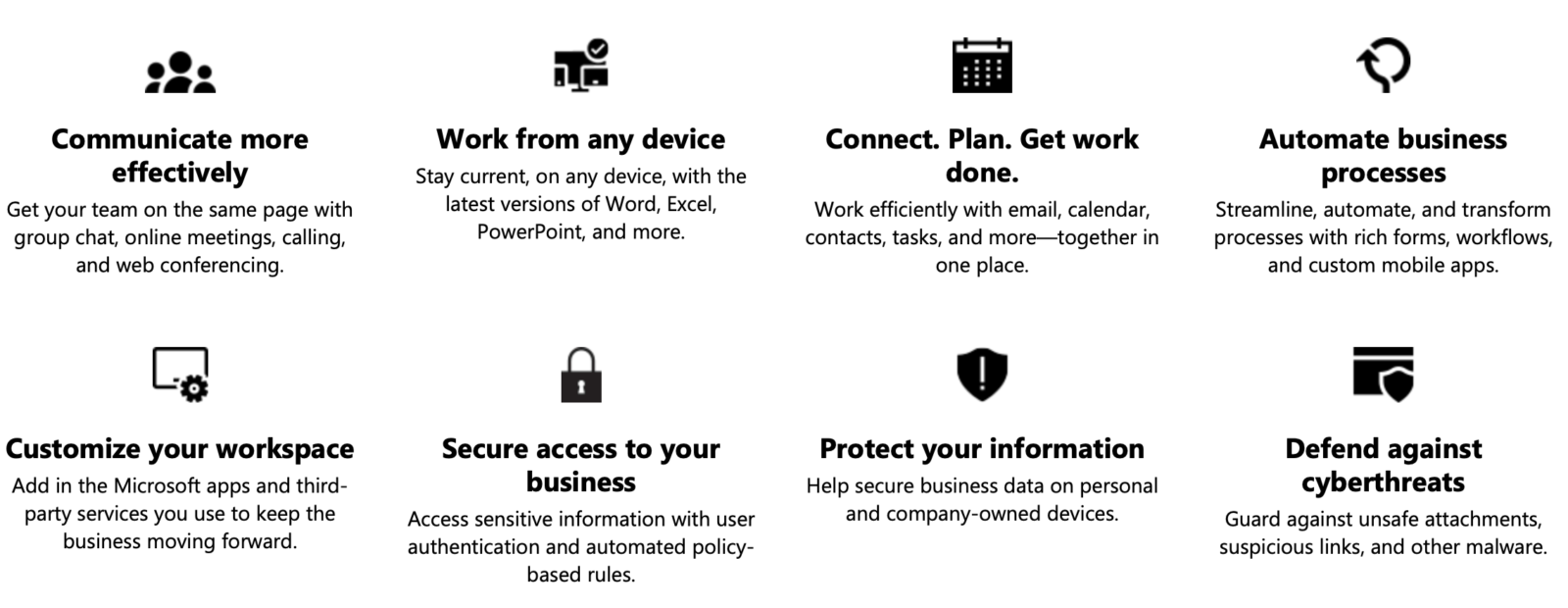
But there are some features that are less known than the common collaboration and file sharing apps. Here are 3 Microsoft 365 features that are often overlooked.
Cortana
Did you know that you get your own personal digital assistant with Microsoft 365? If not, meet Cortana.
Cortana helps you stay on top of your day by sending reminders for meetings, pending tasks, and upcoming deadlines (captured from Outlook emails and Teams).
Another excellent Cortana feature is that it allows you to book time for focused work, breaks, catching up on emails, and virtually anything you need to prioritize.
Bonus: if or when you return to the office, Cortana will be your handy navigation guide with real time traffic data.
Next time you get a daily briefing in your inbox, go ahead and take advantage of these features.
PowerPoint perks
There are a ton of tools on PowerPoint that most people are already aware of. Here are a few that you might not have heard of.
With PowerPoint’s auto-translation tool, your presentation can reach international audiences. Subtitles are also an excellent way to make a presentation accessible to those who are deaf.
The “zoom” tool allows you to jump from one slide to the next without having to go through each of the 30 slides when presenting.
For example, if an audience member asks a question about slide 15 and you’re currently on slide 30, you can jump directly from slide 30 to 15 through the “slide zoom” option.
The power of co-authoring
By saving a file on OneDrive or SharePoint, you can share it with team members and collaborate on a single file. Co-authoring allows you to see comments and edits made by different team members.
It also cuts down on time spent sending files back and forth and is a much easier way to suggest edits and explain concepts.
These Microsoft 365 features are only a few of many tools the powerhouse platform has to offer. If you’re thinking about switching to Microsoft 365 or want to maximize your entitlements, feel free to reach out to us!
If you learned something new and want to see more guides and tips on Microsoft tools, check out our ‘News.’





