



Microsoft Teams is known for its powerful collaboration and communication tools and features—boosting internal operations for companies of all sizes. But businesses use Microsoft Teams for external collaboration as well as because the platform offers secure access methods. There are a few ways to leverage these tools to invite guests or work over a shared channel—check out our blog to learn all about them—but there are also some best practices to implement if you’re exploring external sharing in general.
Security is always top of mind when opening up your environment to external access—any time you collaborate with third parties, you invite a certain level of risk. But with these tips in mind, you can ensure your third parties (and you) stay safe and productive when collaborating over Microsoft Teams.
Always Enable Two-Factor (or Multi-Factor) Authentication
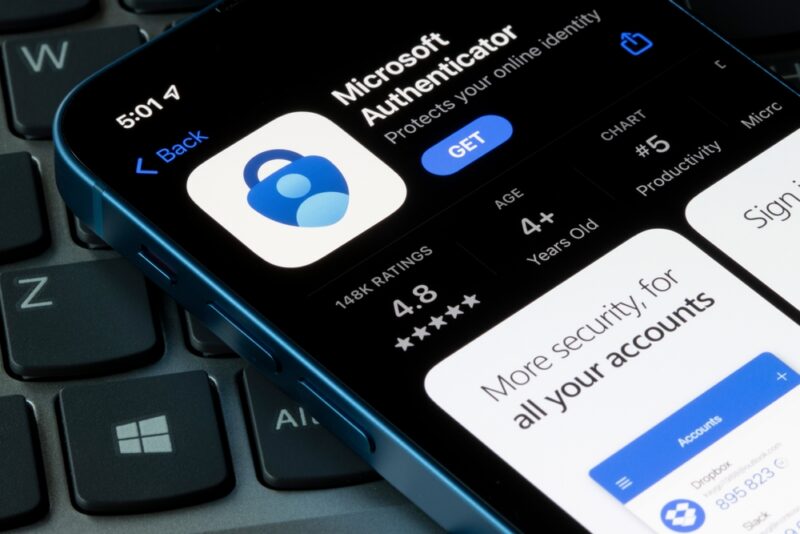
Even though two-factor authentication is a common business practice today, many organizations—especially small and mid-sized businesses (SMBs)—have yet to implement it. It’s important to do so for your internal users, but even more vital to set up for external ones. Two-factor authentication adds an extra layer of security when communicating with external parties so you are rest assured only authorized users have access to your shared files.
Provide Security Training to Internal and External Users
Each organization has different security and access policies, so it’s necessary to educate your vendors, suppliers, or any other external party as to how your organization governs data sharing. Conduct training sessions on best practices for sharing so your third parties understand they should only share necessary information, use expiration dates, and incorporate multi-factor authentication.
Use Expiration Dates
Speaking of expiration dates, it’s smart to set them for shared links to reduce the risk of corporate data remaining shareable beyond a necessary time frame. Expiration dates give you peace of mind that your data will be inaccessible after a certain time period. Similarly, use retention policies to automate the deletion of files after a designated time frame.
Limit and Monitor External Sharing
Just because you can collaborate with third parties doesn’t mean you should go hog wild doing it. Limit your sharing to only the required people, organizations, and channels you need to complete projects. You should also implement a monitoring policy so you can keep tabs on what files are making their way to third parties and whether or not the access level is appropriate for the given user.
Leverage Guest Links
You don’t have to add every person you want to collaborate with as a guest to your Teams environment. Instead, you can use guest links that allow you to share files with external parties without going through the whole process to give them a guest identity. You’ll minimize the risk they introduce to your Teams environment, save time on IT’s end—all while providing the information they need to work with you.
Enjoy Productive Third-Party Collaboration with Security to Match
These best practices are a good start to securing your Microsoft Teams and governing your corporate data as you interact with external parties, but implementing proper security is a multi-layered endeavor and can be complicated. That’s where using an expert partner comes in. Point Alliance is an experienced technology expert, and we specialize in both Microsoft products and SMBs. We can help you get the most out of your Microsoft Teams solution for internal and external parties. Whether you want to configure your solution correctly, set up the right permissions, or orchestrate external sharing, we’ve got you covered. Get in touch anytime.





